Article contents
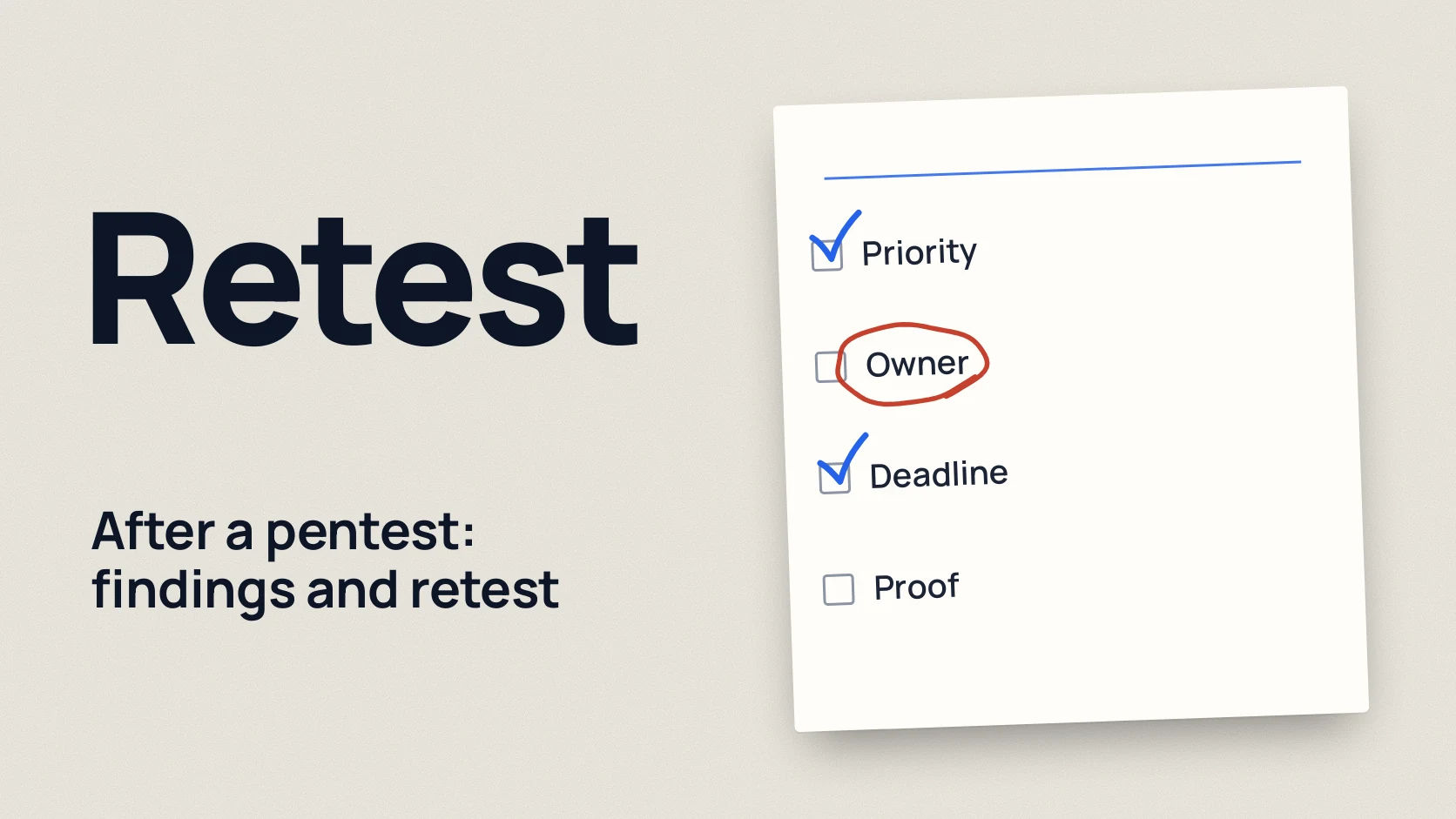
After a pentest, every finding gets a priority based on how easy it is to exploit and what the business would lose, plus an owner, a deadline and a way to verify it, and is then closed by fixing the cause rather than the symptom. At the end the provider runs a retest: it checks the same findings again and confirms in writing which of them are really closed.
Below you will find CVSS explained in plain words, how to set priorities, a remediation plan template, what a retest proves and does not prove, and the common mistakes that make findings come back.
In short
- A CVSS score shows the technical severity of a vulnerability, not the risk for your company. FIRST, the author of the standard, says plainly that the base score should not be used alone to assess risk. [1]
- Priority comes from three questions: is it easy to exploit, is this kind of flaw already used in real attacks, and what would the business lose.
- Each finding has one named owner, a deadline and a way to verify it. "The development department" is not an owner.
- Fix the cause: if one form leaked other people's data, check every similar place.
- A retest confirms that specific findings are closed. It does not look for new problems and does not replace the next pentest.
How to read severity: CVSS v4.0 in plain words
CVSS (the Common Vulnerability Scoring System) gives each problem a number from 0 to 10. Version 4.0 uses these levels: 0.0 none, 0.1 to 3.9 low, 4.0 to 6.9 medium, 7.0 to 8.9 high, 9.0 to 10.0 critical. [1]
It matters what this number is made of. The base score describes the vulnerability itself: can it be attacked over the internet, does it need a login, does it need a user to do something, what happens to the data. It knows nothing about your company. The standard also has a threat group (is there a ready way to attack) and an environmental group (how important your particular system is), but these are filled in by whoever uses the score, which means you. [1]
FIRST stresses separately that the base score measures severity, not risk, and must be supplemented with threat data and your environment. [2] So a "9.1" in the report means "technically very bad", but not always "fix this first".
How to set the real priority
Ask three questions about each finding.
1. How easy is it to exploit? Is the vulnerability reachable from the internet, does it need an account, did the pentester show a working attack. A finding the pentester actually exploited matters more than a theoretical one.
2. Is it used in real attacks? For known vulnerabilities in products there are open sources. The US agency CISA maintains the KEV catalog, a list of vulnerabilities already exploited in real attacks. [3] FIRST publishes EPSS, a daily estimate of the probability that a vulnerability will be exploited in the next 30 days. [4] If a finding is in KEV, its priority is higher than the CVSS score alone suggests.
3. What would the business lose? The OWASP risk rating methodology separates technical impact from business impact and stresses that business impact matters more. [5] Access to the customer database, payments or the CEO's mailbox weighs more than the same vulnerability on a test server with no data.
The pentester does not always know every detail of your business, so they may rate a finding higher or lower than you would. The NCSC reminds clients that risk and fix decisions stay with them, but that this process must not become a way to play problems down. [6]
Who owns each finding
A finding owner means one specific person who is responsible for getting the problem closed and proving it. It is not necessarily the person who writes the code: the owner can delegate the work but answers for the result.
A typical split:
- web application and API: the product development team lead;
- servers, network, cloud: the administrator or head of IT;
- accounts, access, email: the Microsoft 365 or Google Workspace administrator;
- processes (for example, who grants access to new people): the head of that area or the COO;
- a decision to accept the risk without a fix: the business owner or CTO, with a signature.
Remediation plan
The simplest working format is a table with four columns. The deadlines below are only an example; you set them according to priority.
| Finding | Owner | Deadline | How to verify |
|---|---|---|---|
| A customer sees other people's orders by changing the number in the address | Head of development | Immediately, by the end of the week | Test with two accounts: the second is refused; all similar addresses checked |
| An old server version with a known vulnerability from the KEV catalog | Administrator | A few days | Version updated; a repeat scan no longer sees the vulnerability |
| Passwords can be guessed without limits | Head of development | 2 weeks | Login is blocked after several failed attempts; a log entry exists |
| An admin panel is reachable from the internet | Head of IT | 2 weeks | The panel does not open from outside; access only through a VPN (a protected connection) |
| No two factor login to email for managers | Email administrator | A month | A report from the console: every manager has a second factor enabled |
| Detailed server errors reveal internal paths | Head of development | Next release | An error shows only a generic message |
The "how to verify" column matters most. It describes the proof you will show at the retest, not an intention to "fix it".
What a retest is and what it proves
A retest means checking the same findings again after your fixes, to confirm they are really closed. The pentester repeats the attack that worked before and tries to get around the fix.
A retest proves:
- that the specific attack from the report no longer works;
- that the fix cannot be bypassed in a simple way, for example through another address or another user role;
- the status of each finding: closed, partly closed, not closed or accepted as a risk.
A retest does not prove that the system is now secure overall. It does not look for new problems, and if you have changed the product significantly, you need a new pentest, not a repeat. How to prepare for testing and the retest so nothing gets lost is covered in how to prepare for a pentest.
Whether the retest is included in the price and how long it takes is worth agreeing before the start. What drives the cost is explained in what a pentest includes and what it costs.
Common mistakes
- Fixing the symptom. One address that showed other people's orders is blocked, but no access check is added. The retest finds the same mistake in the next section.
- Closing a ticket without proof. A developer marks the task done, but nobody repeats the attack. In the retest report the finding stays open.
- Sorting only by the CVSS number. High scores on a test server are fixed first, while a medium finding with access to customer data waits a month.
- Not assigning an owner. A finding "for everyone" belongs to nobody and moves into the next report.
- Silently accepting a risk. If you decide not to fix something, record the decision with a reason, a review date and a signature.
- Waiting months for the retest. In that time the system changes, and the result becomes hard to compare with the report.
Checklist after a pentest
Download the preparation checklist (PDF)PDF · A4
FAQ
What should we do right after receiving a pentest report?
Read the short summary, assign an owner to each critical finding and start with those. Then make a plan for the rest: an owner, a deadline and a way to verify each item.
Should we always fix the findings with the highest CVSS score first?
No. CVSS shows technical severity, not your risk. A finding that is easy to exploit and leads to customer data or money is often more important than a higher score on a system with no valuable data.
What is a retest after a pentest?
It is a second check of the same findings after the fixes. The pentester repeats the attack and confirms in writing what is closed, what is partly closed and what is not.
Does a retest look for new vulnerabilities?
No, a retest checks only the findings from the previous report. If the product has changed significantly, you need a new pentest.
What if a finding cannot be fixed right now?
Add temporary protection, such as restricting access or extra monitoring, and record an accepted risk: the reason, who decided and until when. Come back to it at the next planning round.
References
- FIRST: CVSS v4.0 Specification Document first.org
- FIRST: CVSS v4.0 User Guide first.org
- CISA: Known Exploited Vulnerabilities catalog data github.com
- FIRST: Exploit Prediction Scoring System (EPSS) first.org
- OWASP Risk Rating Methodology community.owasp.org
- NCSC: Penetration testing ncsc.gov.uk