Article contents
- In short
- Why the internal network matters
- Risks and fixes: table
- Do we have too many administrators?
- Is the local administrator password the same on every computer?
- Are legacy protocols still running on the network?
- Can an ordinary laptop reach the servers and backups?
- Are service account passwords strong?
- Are certificate services configured correctly?
- Is the link between AD and Microsoft Entra ID safe?
- What the client provides
- What you get
- Retest: how to be sure it is fixed
- Checklist before an internal network pentest
- FAQ
- References
An internal network and Active Directory pentest shows how far an attacker gets once they are already inside: one infected laptop or one employee password is enough to start. The company gets a list of specific weak spots in its office network and Windows domain, an assessment of what each one can lead to and an order of fixes, most of which use Microsoft’s own built-in tools.
Active Directory (AD) is the Windows service that holds every company account, group, permission and computer policy. Employees use it to sign in to their computers, mail, file servers and accounting systems. Whoever controls AD effectively controls the whole office IT. Below I explain, for an owner and an IT manager, what gets checked, which risks are typical, how they are usually fixed and what to prepare before the start. The general format of the work is on the penetration testing page.
In short
- Why. Perimeter defences sooner or later let someone in: through phishing, an infected laptop or a stolen password. An internal pentest shows what happens next.
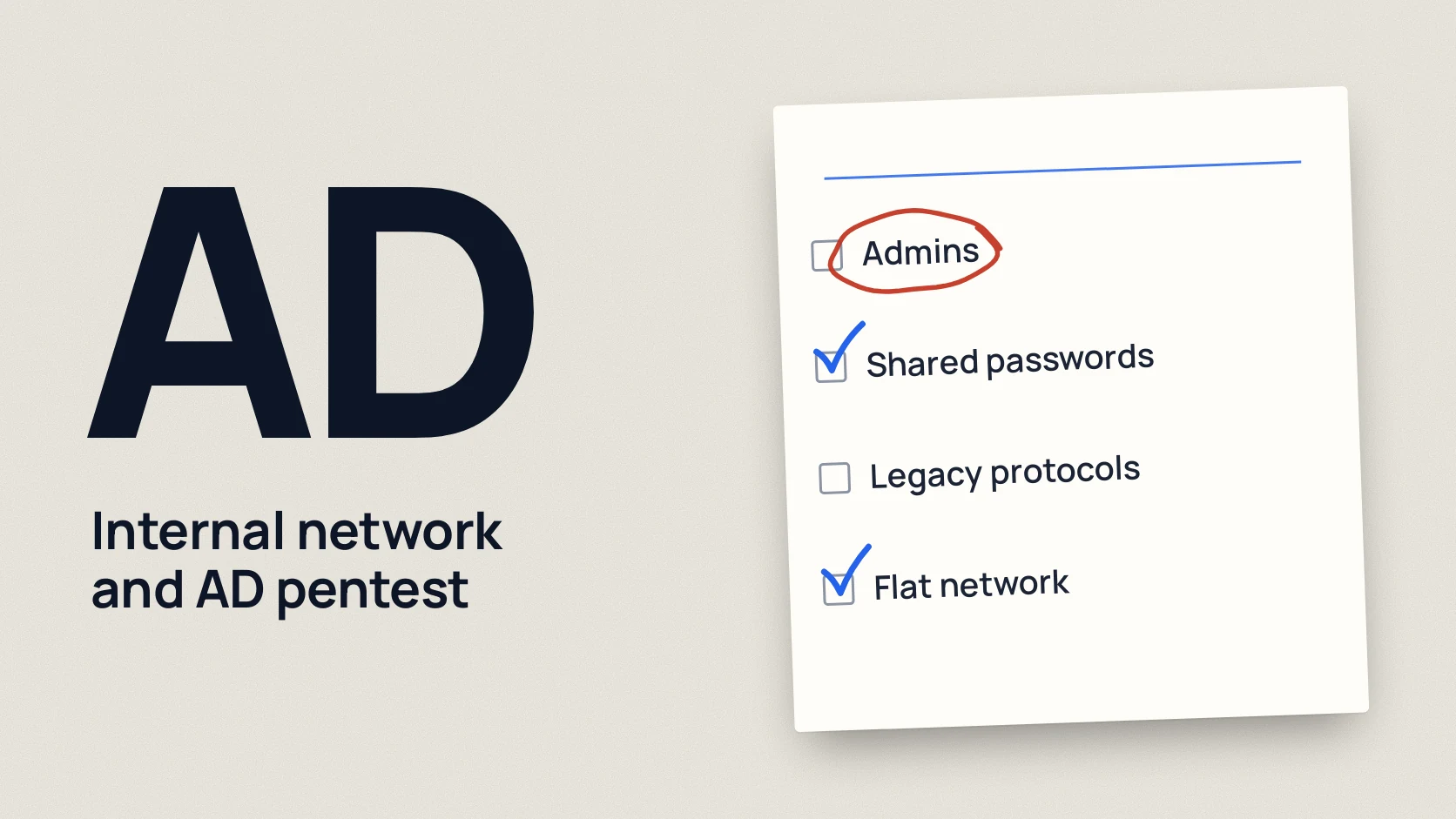
- What is checked. Extra and forgotten admin accounts, the same local administrator password everywhere, legacy protocols such as NTLM, a flat network without segmentation, service account passwords, certificate services settings and the link between AD and Microsoft Entra ID.
- How it is fixed. Mostly with free Microsoft tools: Windows LAPS, SMB signing, managed service accounts, the tiered access model.
- What the client provides. Scope, written permission and rules of engagement, a test laptop or VPN, a standard employee account, contacts and fresh backups.
- What you get. A report with a management summary, findings, business impact and a fix plan, then a retest after the fixes if it is agreed.
Why the internal network matters
Many companies invest in the perimeter: firewall, mail filtering, antivirus. But one person opening a malicious file, or one password leaked from someone else’s service, and the attacker is inside with the rights of an ordinary employee. MITRE ATT&CK, the widely used knowledge base of attack techniques, lists the use of real accounts as its own technique, T1078 Valid Accounts. [7]
What happens next depends on how the internal network is set up. If there are dozens of admin accounts, local administrator passwords are identical and accounting sits on the same network as the servers, the road from one laptop to all company data is short. If the settings are tidy, the same incident stays a problem of one computer. An internal pentest answers which of those two stories is yours.
For the difference between a pentest and a full covert attack simulation, see Red Team vs pentest. For the internal network you usually start with a pentest, and a Red Team engagement makes sense later, once the basics are fixed.
Risks and fixes: table
| Risk | What it can lead to | How it is usually fixed |
|---|---|---|
| Too many admins, old privileged accounts | One stolen password gives full rights in the domain | Review admin groups, disable inactive accounts, separate admin accounts from daily ones |
| Same local administrator password | Access to one computer opens all the others | Windows LAPS: a unique password on every computer, rotated automatically |
| Legacy protocols (NTLM, unsigned SMB) | Sign-ins intercepted or spoofed inside the network | Move to Kerberos, require SMB signing, restrict NTLM step by step |
| Flat network without segmentation | An infected laptop can reach servers, backups and accounting | Split the network into zones, with access rules between them |
| Weak service account passwords | An application account with admin rights becomes the key to the domain | Group managed service accounts (gMSA), least privilege, long passwords |
| Certificate services misconfiguration (AD CS) | An ordinary employee obtains a certificate that grants admin rights | Fix certificate templates and permissions on the certificate authority |
| AD sync to Microsoft Entra ID | Control of the sync server also affects cloud accounts | Protect the Entra Connect server as a Tier 0 component, MFA for admins |
Do we have too many administrators?
A typical picture in a company that is a few years old: the domain admins group contains a former IT contractor, an account for an old application and the director, just in case. Each of those accounts is another key to the whole domain.
Microsoft Defender for Identity, Microsoft’s tool for protecting AD, scores several of these risks separately: stale accounts with no sign-in for 90 days, dormant accounts in sensitive groups, service accounts in privileged groups and accounts that are privileged in both AD and Microsoft Entra ID. [4] A pentest shows the same thing from the practical side: which of these accounts actually lead to full control.
How it is fixed. Review who is in the admin groups and keep only those who really need it. Disable inactive accounts and delete them later. Give administrators a separate account for admin tasks, and have them read mail and browse under their ordinary one.
Is the local administrator password the same on every computer?
When computers are set up from one image, the built-in local administrator password is often the same on all of them. Microsoft says plainly that this is common and that attackers exploit it to move between devices. [1]
How it is fixed. Windows LAPS, a free built-in Windows feature, sets a random password on each computer, rotates it regularly and stores it in AD or Microsoft Entra ID, where only an authorised administrator can read it. It is available in Windows 11 and in supported versions of Windows 10 and Windows Server that received the April 11, 2023 update. [1] The old standalone Microsoft LAPS product is deprecated, so new deployments should use the built-in version.
Are legacy protocols still running on the network?
NTLM is an old Windows sign-in method. Microsoft has deprecated all its versions and recommends moving to Negotiate, which tries Kerberos first and falls back to NTLM only when needed. NTLMv1 is removed starting with Windows 11 24H2 and Windows Server 2025. [3] The catch is that old printers, scanners, applications and forgotten servers still often rely on NTLM.
The second question is SMB signing, for the Windows file sharing protocol. Signing protects messages from tampering in transit. Microsoft explains that it helps protect against relay and spoofing attacks, and Windows 11 24H2 (Pro, Enterprise and Education) requires it by default. [2] But servers set up years ago and older storage devices often run without it.
How it is fixed. First find out who still uses NTLM, then require SMB signing and restrict NTLM gradually, checking that no department stops working. Microsoft also advises connecting to shares by name rather than by IP address, so that Kerberos is used. [2]
Can an ordinary laptop reach the servers and backups?
A flat network means every device is in one segment: the accountant’s laptop, guest Wi-Fi, the file server, CCTV, the domain controllers and the backup server. Then any infected device has a direct network path to the most important systems.
How it is fixed. Split the network into zones by purpose: workstations, servers, administration, backups, guests, devices such as cameras and printers. Allow only the connections that are needed between zones. Segmentation is done in stages, and the pentest helps decide which zones to separate first.
Are service account passwords strong?
Service accounts are used by applications: backup, databases, CRM. Their passwords are set once at installation and left unchanged for years, and the accounts often have more rights than needed. Microsoft notes that compromise of such an account in a privileged group can grant broad admin access, and that malicious activity under it is hard to notice because no specific person stands behind it. [4]
How it is fixed. Take service accounts out of admin groups where possible and give them only the rights they need. Where you can, move to group managed service accounts (gMSA), whose passwords rotate automatically. For the rest, set long random passwords and limit which computers those accounts can sign in to. [4]
Are certificate services configured correctly?
Active Directory Certificate Services (AD CS) issues internal certificates for Wi-Fi, VPN, smart card sign-in and encryption. It is often installed once and never reviewed. Microsoft Defender for Identity has a separate set of assessments for AD CS and warns that mistakes in certificate templates or in permissions on the certificate authority can let an ordinary user obtain a certificate valid for a privileged account, up to compromise of the whole domain. [5]
How it is fixed. Review certificate templates and their permissions, remove excessive rights for broad groups such as Authenticated Users, unpublish templates nobody uses and turn on manager approval where it fits. [5]
Is the link between AD and Microsoft Entra ID safe?
If the company uses Microsoft 365, its AD is usually synced to Microsoft Entra ID through Microsoft Entra Connect. The sync server holds critical identity data, and Microsoft says it must be treated as a Tier 0 component, the same level as domain controllers. Microsoft also warns that whoever gains control of this server can change users in Microsoft Entra ID. [6]
How it is fixed. Limit admin access to the sync server to a small group, turn on MFA for all privileged accounts in AD and Entra ID, deny NTLM on that server and set a unique local administrator password with Windows LAPS. [6] Separately, check for accounts that are privileged both in AD and in the cloud. [4] Microsoft 365 settings themselves can be checked with the guide how to check Microsoft 365 security.
What the client provides
An internal pentest works inside your network, so preparation matters more than for an external test. The minimum to agree before the start:
- Scope. Which offices, subnets, domains and servers are in, and what is out: for example, production equipment or partner systems.
- Written permission and rules of engagement. Who authorises the work, on which days and hours testing is allowed, which actions are off limits and how to stop if something goes wrong.
- Connection point. A test laptop plugged into the office network, or VPN access that mimics an ordinary employee connection.
- A standard employee account without admin rights. This is the most common scenario: the attacker has one person’s password.
- Contacts. The person responsible on the IT side and someone who can be called at once if something critical is found or a service behaves oddly.
- Backups. Fresh, tested backups of the domain controllers and key servers. The pentest is done carefully, but a backup is normal insurance for any work in a production environment.
A step by step preparation list is in how to prepare for a pentest.
What you get
- A management summary without jargon: what was found, what it can lead to, what to fix first.
- Findings with evidence and a risk rating, each with its business impact and concrete fix steps for your IT team.
- The risk path, showing how separate weak spots combine: often none of them is critical on its own, but together they lead to full control of the domain.
- A list of what was and was not tested, so the limits of the result are clear.
- A retest after the fixes, if it is agreed in the contract, with written confirmation of what is closed.
The timeline depends on the scope, usually from a week, and it is fixed before the start. Scope is driven by the number of offices and subnets, domains and servers, and whether Wi-Fi and the cloud side are included.
Retest: how to be sure it is fixed
After the report, the IT team fixes the findings, starting with the most critical. A retest means checking exactly those items again: does every computer now have its own local administrator password, are the extra admins gone, are legacy protocols still running on a forgotten server. The retest result is written up, and it is handy to show to auditors, banks or customers who ask about your security.
Checklist before an internal network pentest
Download the preparation checklist (PDF)PDF · A4
FAQ
What is an internal network pentest in plain words?
It is a test of what an attacker can do once they are already in your office network with an ordinary employee’s rights. Under agreed rules, a specialist looks for weak spots in the network and Active Directory and shows which ones lead to important data and full control of the domain.
How is an Active Directory pentest different from an external pentest?
An external pentest checks what is visible from the internet: websites, VPN, mail servers. An internal one looks at what happens after someone is already inside. The two complement each other, because the perimeter sooner or later lets someone through. Both formats are described on the penetration testing page.
Can a pentest stop the office from working?
The risk is low when rules of engagement, testing hours and a stop contact are agreed. Checks that could affect service availability are agreed in advance or excluded. Fresh backups are still needed, as for any work in a live environment.
Why give the tester an employee account?
Because it is the most realistic scenario: one employee’s password leaks through phishing or someone else’s service. This way the test does not spend time on getting inside and focuses on the main question: what can be done next.
How often is an internal network pentest done?
Usually once a year and after major changes: moving to a new office, merging domains, moving to Microsoft 365 or changing IT contractors. Between pentests, a regular review of admin groups and of Microsoft Defender for Identity recommendations helps, if you have it.
References
- Microsoft Learn: Windows LAPS overview learn.microsoft.com
- Microsoft Learn: Control SMB signing behavior learn.microsoft.com
- Microsoft Learn: Deprecated features in the Windows client (NTLM) learn.microsoft.com
- Microsoft Learn: Accounts security posture assessment, Microsoft Defender for Identity learn.microsoft.com
- Microsoft Learn: Certificates security posture assessment, Microsoft Defender for Identity learn.microsoft.com
- Microsoft Learn: Microsoft Entra Connect prerequisites learn.microsoft.com
- MITRE ATT&CK: T1078 Valid Accounts attack.mitre.org