Article contents
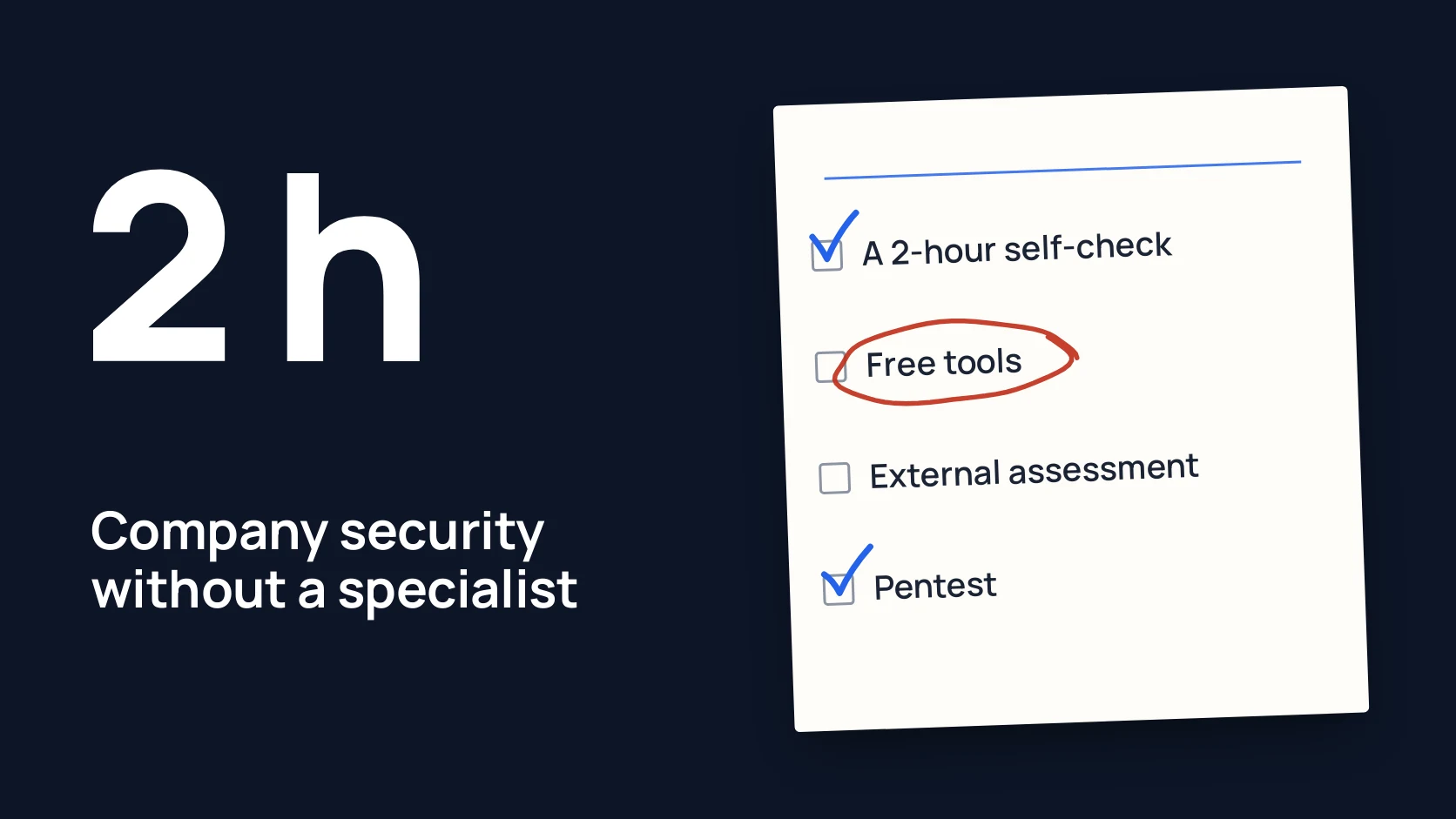
Without a security specialist of your own, you check your company's cybersecurity in two steps: first the owner and whoever runs your IT spend two hours on a self-check using free checklists, then you order an independent external assessment of the places where the answer was "I don't know". A penetration test and an ongoing program of checks come later: when you have your own product, a customer requirement or risks in several places at once.
Below are four ways to check in one table, a two-hour self-check plan the owner can run, and clear signs that it is time to bring in outsiders.
In short
- A self-check costs nothing but time and shows the basics: accounts, email, backups, updates.
- An external security assessment gives an independent view of access, cloud and processes, with a prioritised report.
- A pentest (a manual, authorised attempt to break into your systems) is needed when you have your own website with a customer area, an API or payments.
- A security program combines several checks into one plan for the year when risks sit in several places.
- Start with the self-check: it shows what to order next and whether you need anything at all.
Four ways to check your security
| Option | What you get | Effort | When it fits |
|---|---|---|---|
| Self-check with free tools and checklists | A basic picture: MFA, admins, email, backups, updates | Two hours of the owner and whoever runs IT; no money needed | As the first step, then every six months |
| External security assessment | An independent look at accounts, cloud services, access and processes, a prioritised report and a walkthrough | A few meetings and read-only access; the price depends on scope | The company runs on Microsoft 365, Google Workspace or other cloud services and nobody owns security |
| Penetration test | An answer to whether your website, customer area, API or perimeter can be broken into, and how | Preparation, written authorisation, several days of testers' work; the most expensive one-off option | You have your own product, or a customer or partner requires independent testing |
| Security program with an outside partner | Several checks under one plan, retests after fixes, one accountable person | Regular involvement over the year, a yearly budget | Risks in several places at once, you need regularity rather than a one-off |
What a self-check is and what to use
A security self-check means that the owner and whoever runs IT go through a short list of questions and settings and answer honestly what actually works and what only "should work". It does not replace an independent review, but it filters out the obvious and shows where to look next.
You do not need to invent your own list. Free checklists from government agencies are written for exactly this kind of company:
- NCSC (the UK National Cyber Security Centre): a guide for small organisations on backups, devices, accounts, email and phishing. [1]
- ENISA (the EU Agency for Cybersecurity): 12 steps for small and medium businesses. [2]
- NIST (the US National Institute of Standards and Technology): a short CSF 2.0 quick start guide for small business. [3]
- CIS Controls IG1: 56 basic safeguards you can put in place with limited expertise. [4]
- Cyber Essentials: five technical controls that protect against the most common internet attacks. [5]
Two tools are enough. internet.nl tests the website and email of your domain for free. [6] Microsoft Secure Score in the Microsoft Defender portal shows which recommended security settings in your Microsoft 365 are on and which are not. Microsoft itself warns that it is not a measure of how likely you are to be breached, only of how much you use the available controls. [7]
A 2-hour self-check: a plan for the owner
Sit down with whoever runs your IT, open the email admin center and go through six blocks of 20 minutes each. Write down every "I don't know": it is already a finding.
- Accounts and MFA (20 minutes). Who in email does not have a second sign-in factor turned on? Then go through online banking, the accounting software, the CRM, hosting and the domain registrar. How many people have admin rights, and are they all still with you?
- People who left (20 minutes). Take the list of people who left in the past year and check that their access to email, files, the CRM and work chats is closed. Do the same for former contractors.
- Email (20 minutes). Enter your domain in internet.nl and look at the SPF, DKIM and DMARC results (records that protect your domain from forged emails). Check that automatic forwarding to outside addresses is blocked.
- Backups (20 minutes). Ask for one file and one database to be restored live as of yesterday. Time it, and find out whether at least one copy is kept apart from your main systems. [8]
- What is visible from the internet (20 minutes). Make a list: websites, subdomains, VPN (secure access to the office network), remote desktop. Next to each, write the version and the date of the last update.
- Processes (20 minutes). Ask the accountant what they would do with an email about a supplier's new bank details. Check whether there is a printed contact list for incidents.
Each item is covered in more detail in security for a 30-person company without a CISO. If you run on Microsoft 365, also go through six Microsoft 365 checks in an hour.
When to bring in outsiders
A self-check has a limit: the person who set a system up rarely sees their own mistakes, and "everything is configured" does not mean it is. Outside help makes sense if:
- several questions from the plan above got "I don't know", and nobody can find out;
- a customer, partner, bank or investor asks for an independent review or a security questionnaire;
- you have your own website with a customer area, an API or payments;
- there was an incident or a suspicion: odd sign-ins, mail forwarding, a fake invoice;
- there are findings, but nobody can say what to fix first.
For a company on cloud services without its own servers, the first outside step is usually a Security Assessment: a review of accounts, email, cloud, access and processes with a report on what to change first. A penetration test makes sense later or in parallel, once you have your own product. The NCSC advises treating a pentest like an audit that confirms your own processes work, not as the main way to find problems. [9]
If the risks sit in people, accounts and product at once, it is easier to combine the checks in the Veiltrack Security Program: one agreed scope, a retest after fixes and one accountable person. Any active testing happens only after the scope is agreed and written authorisation is signed.
Common mistakes
- Starting with an expensive pentest while email has no MFA. The pentest finds that in an hour, and you pay for several days.
- Treating a scanner report as a security review. A scanner looks for known vulnerabilities but does not see extra admins or mail forwarding.
- Checking only technology. The most expensive problems often start with an email to the accountant, not a hacked server.
- Checking once and for all. People join and leave, services change, so repeat the basics twice a year.
Self-check checklist
Download the preparation checklist (PDF)PDF · A4
FAQ
How do I check my company’s cybersecurity if we have no security specialist of our own?
Start with a self-check against the free NCSC, ENISA or NIST checklists: about two hours for the owner and whoever runs IT. Then order an independent assessment where you found no answer. A pentest is needed when you have your own product or a customer requires one.
Do we need to hire a security specialist?
For a small company, usually not. It matters more that every basic item has an owner and an independent review once a year gives an outside view. Think about a full-time specialist when security becomes daily work: your own product, a lot of customer data, regulator requirements.
How is an external security assessment different from a pentest?
An assessment looks at settings, access and processes: who has rights, how email is configured, whether backups work. A pentest checks whether your systems can be broken into, and shows how. For a company on cloud services, the assessment usually comes first.
How long does an external review take?
It depends on scope: the number of people, services and systems. The timeline and boundaries are fixed before work starts, together with written authorisation for any active testing.
Is Microsoft Secure Score or a free scanner enough?
As a start, yes; as a conclusion, no. Secure Score shows which recommended settings are on, but it does not see your processes, third-party services or who really has access to your data.
References
- NCSC: Small organisations guide to cyber security ncsc.gov.uk
- ENISA: Cybersecurity guide for SMEs, 12 steps to securing your business enisa.europa.eu
- NIST SP 1300: NIST Cybersecurity Framework 2.0, Small Business Quick-Start Guide nvlpubs.nist.gov
- CIS: CIS Controls Implementation Group 1 (IG1) cisecurity.org
- NCSC: About Cyber Essentials ncsc.gov.uk
- Internet.nl: Test for modern Internet Standards internet.nl
- Microsoft Learn: Microsoft Secure Score learn.microsoft.com
- NCSC: Small organisations guide, backing up your data ncsc.gov.uk
- NCSC: Penetration testing ncsc.gov.uk