Article contents
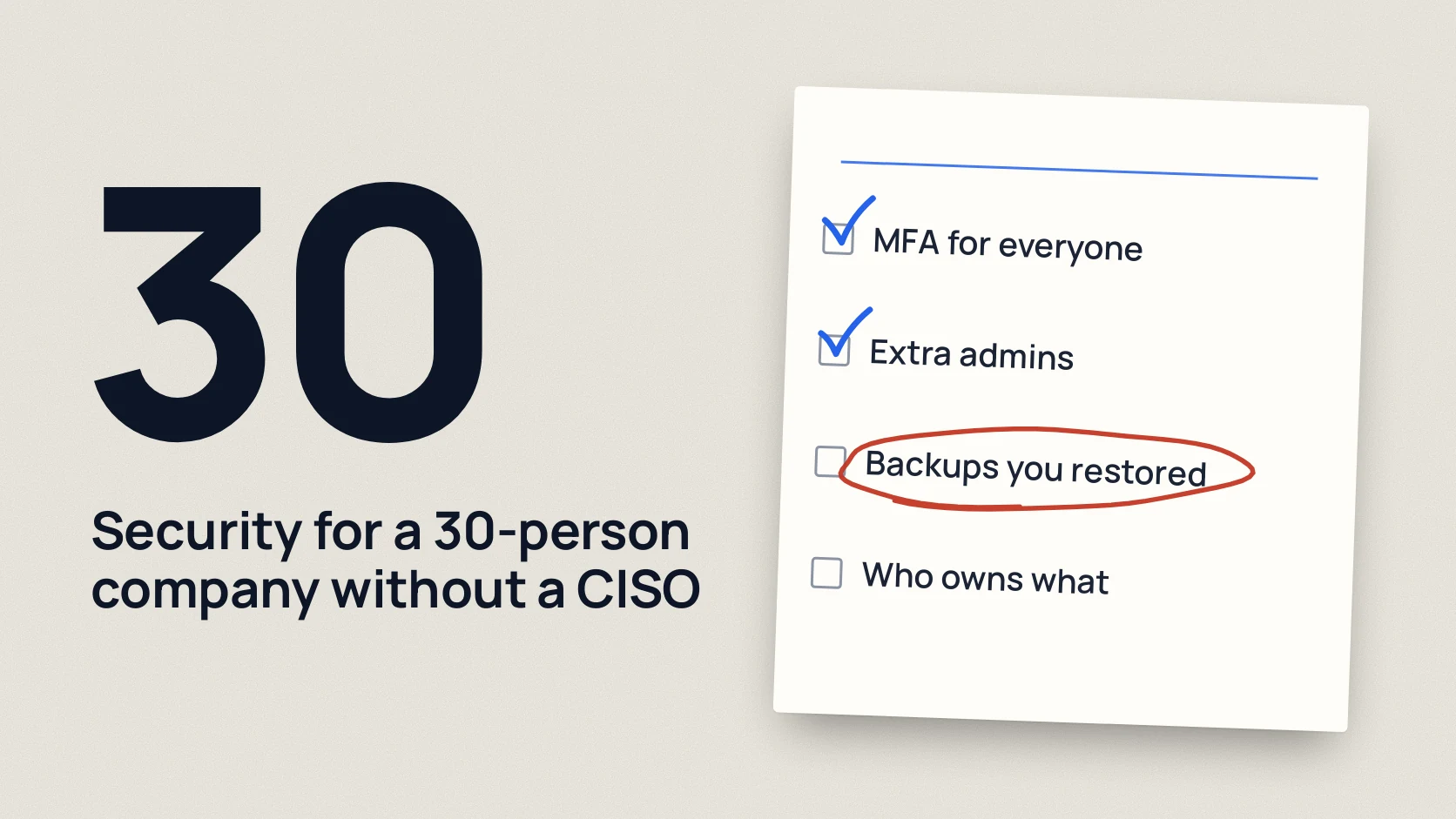
Start with accounts: turn on a second sign-in factor for everyone, remove admin rights people do not need and close the access of those who have left. Then come backups you have actually restored from, email protection, updates for systems visible from the internet, a password manager, a rule for verifying changed bank details, a look at what others can see of you from outside and a contact list for incidents.
You do not need a CISO (a dedicated head of security) for this. Each item below takes about 15 minutes to check, and the work is done by the owner, the accountant, the office manager or an outside IT contractor. The order matters: the first items close the typical ways trouble starts in small companies, such as a stolen password, a fake payment email or a forgotten server. [1]
In short
- The first three steps are about people and access: a second sign-in factor, admin rights, offboarding. They cost almost nothing.
- A backup only counts if you have restored a file from it at least once. Check this week.
- Accounts needs one simple rule: changed bank details are confirmed by calling a known number, never by replying to the email.
- Responsibility is shared between the owner, the accountant, the office manager and the IT contractor. The table below shows who does what.
- Once the basics are done, the next step is an independent review, not new tools.
10 steps in order of priority
1. Accounts and a second sign-in factor (MFA)
Why. A password can be stolen with a phishing email or found in an old data leak. MFA (sign-in with an extra code or a tap on your phone) means a password alone is no longer enough for attackers. [2] [3]
How to check in 15 minutes. In the Microsoft 365 or Google Workspace admin center, open the user list and see who does not have MFA turned on. Then go through services outside email: online banking, the accounting software, the CRM, website hosting, the domain registrar, company social media pages.
Who does it. The IT contractor turns it on, the owner makes sure there are no exceptions, starting with themselves.
2. Who has admin rights
Why. An administrator can do anything: read other people’s mail, create users, switch protection off. If attackers take over such an account, the damage is at its worst. Fewer admins means fewer of those doors.
How to check in 15 minutes. Open the list of roles in the admin center. A 30-person company usually needs two or three administrators. The admin account should be separate from the everyday one used for email, and it must have MFA. Check laptops too: are people working with admin rights on their own computers?
Who does it. The IT contractor shows the list, the owner decides who keeps access.
3. Closing access when someone leaves
Why. Work access held by a former employee stays a risk even if they are a decent person. Their password can be stolen after they leave, and nobody notices because nobody watches that account.
How to check in 15 minutes. Take the list of people who left in the past year and check each one in email, the CRM, online banking, cloud drives, work chats and company social media. Write a short list of “what to close on the last day” and give it to whoever handles departures.
Who does it. HR or the office manager starts the process, the IT contractor closes access the same day.
4. Backups you have actually restored from
Why. A backup copy saves you after a virus that encrypts files, a staff mistake or a disk failure. But it often turns out that the copy is incomplete, out of date or stored where it got encrypted too.
How to check in 15 minutes. Ask for one random file and one database, for example the accounting one, to be restored as of yesterday. Time it. Make sure at least one copy is kept separately: not on the same server and not behind the same passwords. [4]
Who does it. The IT contractor sets it up, the owner asks for a live restore once a quarter.
5. Email protection
Why. Email is how phishing (messages pretending to come from someone else) and fake invoices arrive. [5] SPF, DKIM and DMARC records (domain settings that tell mail servers who may send on your behalf) make it harder to fake your address.
How to check in 15 minutes. Ask the IT contractor to show whether SPF, DKIM and DMARC are set up for your domain and whether attachments and links are scanned. Separately, find out whether automatic forwarding to outside addresses is blocked: it is the most common way attackers quietly keep reading someone’s mail. [6]
Who does it. The IT contractor sets it up. People learn to spot suspicious emails, and a phishing simulation shows whether that works in practice.
6. Updates for systems reachable from the internet
Why. The website, the VPN (secure remote access to the office network), the mail server, remote desktop: attackers scan everything visible from the internet automatically. A known vulnerability in an old version often becomes a way in without any password.
How to check in 15 minutes. Ask for a list: what the company exposes to the internet, which version runs there and when it was last updated. If any answer is “I don’t know”, that is already a finding. [7]
Who does it. The IT contractor or the website developer. The owner sets the rule: critical updates for these systems go in within a few days, not “at some point”.
7. A password manager
Why. Without one, people reuse a single password everywhere or keep passwords in a spreadsheet. A password manager (an app that stores and generates passwords) gives every service a long unique password and lets the team share common logins safely. [8]
How to check in 15 minutes. Ask three employees where they keep passwords for work services. Search the shared drive for files like “passwords.xlsx”.
Who does it. The owner picks a business plan, the IT contractor rolls it out, everyone moves their own passwords.
8. A rule for verifying changed bank details
Why. A typical scheme: the accountant gets an email from a “supplier” or the “director” with new bank details or an urgent payment. The email can even come from a real but hacked mailbox. Technology will not stop this, a rule will.
How to check in 15 minutes. Ask the accountant what they would do if a supplier emailed about a new bank account. The right answer: call the number already in the contract or the supplier record, not the number in the email. Write the rule down and make sure everyone who makes payments knows it.
Who does it. The owner approves it, the chief accountant follows it with no exceptions, even for an “urgent one from the director”.
9. What others can see of you from the internet
Why. Companies often do not know all their addresses: an old test site, a forgotten control panel, a contractor’s service on your domain. Nobody updates what nobody knows about.
How to check in 15 minutes. Collect the list of domains and subdomains from the registrar and from the DNS settings (the address book of your domain), and ask developers and contractors what they have launched. Compare it with what you think you have. A fuller outside view comes from an External Security Review.
Who does it. The IT contractor builds the list, the owner decides what to switch off.
10. A contact list for incidents
Why. When something happens, most time is lost searching: who has admin access, what the bank’s number is, who decides to shut a system down. One page of contacts saves that time. [9]
How to check in 15 minutes. Is there a list on paper, not only in email that could also be hacked, with the IT contractor, the bank, hosting, the domain registrar, a lawyer and the national response team? In Ukraine that means CERT-UA and the cyber police. Who makes decisions if the owner is unavailable?
Who does it. The office manager writes it, the owner checks twice a year that the numbers still work. What to do once an incident has happened is in company email hacked: the first 30 minutes.
Who owns what and how often
| What | Who owns it | How often |
|---|---|---|
| MFA on all accounts | IT contractor, checked by the owner | New people on day one, review every quarter |
| Admin rights | Owner | Every quarter |
| Closing access | HR or office manager together with IT | On the day someone leaves |
| Restore from backup | IT contractor, owner watches | Every quarter |
| Email protection (SPF, DKIM, DMARC, forwarding) | IT contractor | Set up once, review twice a year |
| Updates for systems visible from the internet | IT contractor, website developer | Critical within a few days, the rest monthly |
| Password manager | Owner picks, IT rolls out | Once, then for every new hire |
| Verifying changed bank details | Chief accountant | Every such request |
| What is visible from the internet | IT contractor | Twice a year and after launching new services |
| Incident contacts | Office manager | Twice a year |
What to do once the basics are done
These ten items do not make a company untouchable, but they remove the simplest routes attackers usually take. After that an independent view makes sense: a Security Assessment reviews accounts, email, cloud and access rights and shows what on this list really works and what exists only on paper.
If the risks sit in several places at once, it is easier to bring the checks together in the Veiltrack Security Program: one agreed scope, one report and one accountable person. A penetration test is usually not the first step for a company this size. You need one when you have your own product: a website with a customer area, an API, payments.
Common mistakes
- Buying a tool instead of setting a rule. New software will not help if accounts still pays based on details from an email.
- Exceptions for managers. A director without MFA because it is “inconvenient” holds the most valuable account in the company.
- A backup nobody has restored. You find out it does not work at the worst possible moment.
- Everything depends on one person. Access to email, the domain and hosting should belong to the company, not only to the contractor. Check that you can get in without them.
Checklist for this week
Download the preparation checklist (PDF)PDF · A4
FAQ
Does a 30-person company need a dedicated security person?
Usually not. At this stage it matters more that each item has an owner and that someone regularly checks it still works. An independent review once a year gives you an outside view.
How long will this list take?
Checking each item takes about 15 minutes, so a few hours for the whole list. Fixing depends on what you find: MFA and the payment rule can be in place within a week, sorting out backups and access usually takes a few weeks.
Where do I start if I have almost no time?
With MFA on email and online banking, plus the rule for verifying bank details. That is the least effort and the most benefit for a small company.
Is antivirus enough?
No. Antivirus protects a computer, but it does not help if the email password was stolen or the accountant paid a fake invoice.
When does a company this size need a pentest?
A penetration test is needed when you have your own website with a customer area, an API or payments, or when a partner asks for an independent test. I explain the difference between types of testing in pentest vs vulnerability scan.
References
- NCSC: Small organisations guide to cyber security ncsc.gov.uk
- Microsoft: Set up multifactor authentication for users learn.microsoft.com
- Google Workspace: Protect your business with 2-Step Verification support.google.com
- NCSC: Small organisations guide, backing up your data ncsc.gov.uk
- NCSC: Small organisations guide, avoiding phishing attacks ncsc.gov.uk
- Microsoft: Control external email forwarding learn.microsoft.com
- NCSC: Keeping devices and software up to date ncsc.gov.uk
- NCSC: Managing your passwords ncsc.gov.uk
- NCSC: Incident management ncsc.gov.uk