Article contents
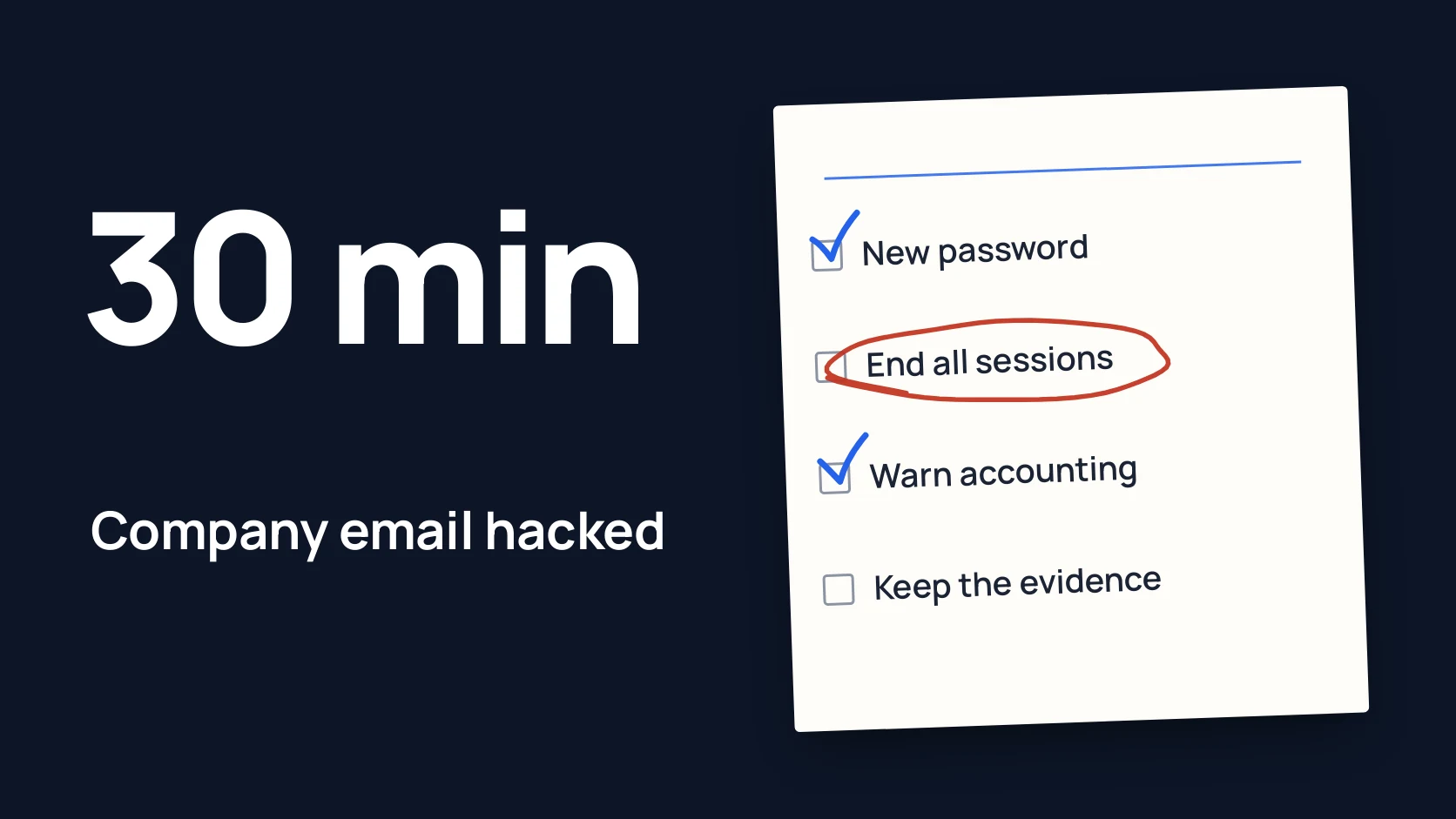
First stop the damage: from a different, clean device change the password, end all sessions and remove unknown forwarding rules and newly added sign-in devices. Right after that, tell accounts and key clients that requests to pay new bank details are not to be carried out without a call to a known number.
Delete nothing: emails, sign-in logs and rules are needed to understand what happened and to go to the bank or the police. Below is a minute by minute plan, who to call and what not to do. Save this page in advance, because during an incident there is no time to look for it.
In short
- The first 5 minutes: a new password from a clean device and ending all sessions. Changing the password alone is not enough if attackers have already left themselves a back door.
- Check forwarding rules, new devices for the second sign-in factor, other people’s access to the mailbox and connected apps. That is where the back door usually hides.
- Accounts makes no payments to new bank details until they are confirmed by calling a known number. If money has already gone, call the bank immediately.
- Do not delete emails or wipe traces: take screenshots and write down what you saw and when.
- Report it to the cyber police or CERT-UA. Check their current contacts on their official websites.
Minute by minute
| Time | What we do | Who |
|---|---|---|
| 0-5 min | New password from a clean device, end all sessions, block sign-in temporarily if needed | Account owner together with the admin |
| 5-15 min | Check forwarding rules, second factor devices, other people’s access, apps; warn accounts; if money has gone, call the bank | Admin, owner, accountant |
| 15-30 min | Keep evidence, warn clients and partners, tell the IT contractor, the cyber police or CERT-UA, name a coordinator | Owner or the person they appoint |
0-5 minutes: stop the damage
Change the password from a clean device
If the computer the person worked on is infected, the new password goes straight to the attackers. Use another computer or phone that this employee has not used. The new password should be long and never used before. If the old password was used anywhere else (the bank, the CRM, personal email), change it there too.
End all sessions
A session is a saved sign-in on a device, after which the password is not asked again. Changing the password does not always throw out someone who is already in. In Microsoft 365 an admin can force a user’s sessions to end, and Google offers signing out of all devices in the account’s security settings. [1] [2] If you cannot sort it out quickly, block sign-in for that account temporarily: it is the safer option.
5-15 minutes: close the back doors and warn accounts
Check what the attackers changed
Once inside a mailbox, attackers often leave themselves ways to come back or keep reading mail quietly. Check:
- mail rules and forwarding: are copies going to an outside address, are emails from the bank or clients being moved to the trash or archive;
- sign-in methods: has a new phone, app or key appeared for the second factor;
- other people’s access: who else can read the mailbox or send on its behalf;
- connected apps: third party programs that were given access to the mail;
- recovery details: has the backup address or phone number been changed.
Before switching off an unknown rule or device, take a screenshot: it is evidence. Microsoft, Google and the UK NCSC describe these checks in detail. [1] [2] [3]
Warn accounts
The most expensive part of an email compromise is usually not the emails but the payments. From your mailbox, attackers can send a client “new bank details” or send the accountant an “urgent invoice from the director”. Tell accounts plainly: no payments to new or changed bank details until they are confirmed by calling the number in the contract.
If a payment has already gone, call your bank immediately. The sooner the bank knows, the better the chance of stopping the transfer.
15-30 minutes: evidence, people, reporting
Keep evidence, delete nothing
The urge to clean up unknown emails and rules quickly is understandable, but that wipes out the picture of what happened. Take screenshots of rules, suspicious emails and new devices. Export the sign-in log if the admin console allows it. Write down in a simple document what you noticed, when, what has been done and by whom. The bank, the police and your IT contractor will need these notes.
Warn clients and partners
If emails could have gone out from your mailbox, briefly tell the people you have been writing to lately. For example: “Someone outside our company used our email. Please do not make payments to bank details from our emails without calling us.” Write from a different, trusted mailbox or call.
Who to call
- IT contractor or admin: to check other accounts and devices.
- Bank: if payments were made or bank details were changed.
- Cyber police: to report a crime, especially if there was financial loss. In Ukraine, contacts and ways to report are on the official site cyberpolice.gov.ua. [4]
- CERT-UA: the government team for responding to cyber incidents in Ukraine, which accepts incident reports. Website cert.gov.ua. [5]
- Service provider: Microsoft, Google or your hosting company, if you cannot get control of the account back.
Phone numbers and reporting forms change, so check them on the official websites and add them to your incident contact list in advance. If the company operates in another country, contact that country’s national response team (CERT) and police.
What not to do
- Do not delete emails, rules or the account itself, however much you want to remove the traces.
- Do not change the password from the same device if you suspect it is infected.
- Do not discuss the incident through the hacked mailbox. Attackers may be reading it.
- Do not pay or negotiate with anyone demanding money without talking to the police and a lawyer.
- Do not hide the incident from accounts and the team. The sooner people know, the less likely they are to open the next email or approve a payment.
- Do not assume it is over once the password is changed. Without checking rules and devices, attackers can come back.
After the first 30 minutes
In the following days, find out exactly how the attackers got the password: a phishing email, a password reused on another service or an infected device. Check the company’s other accounts and turn on the second sign-in factor wherever it is still missing. The basic steps worth taking in advance are collected in security for a 30-person company without a CISO. [6]
To check independently that no other way in is left and that accounts and email are set up properly, there is the Security Assessment. If attackers could have reached your website, customer area or API, those systems need checking too, and a penetration test helps there. Not sure where to start? Write to me through the form.
Checklist for a hacked account
Download the preparation checklist (PDF)PDF · A4
FAQ
Is changing the password enough?
No. Attackers may have left an open session, a forwarding rule or their own device for the second factor. Without checking those, a new password does not stop someone who is already inside.
How do I know the email was really hacked?
Typical signs: clients received emails you did not send; there are unknown emails in Sent or in the trash; unfamiliar forwarding rules have appeared; you got an alert about a sign-in from an unknown place or device.
Should we contact the cyber police if no money was lost?
It is a good idea. A report records the incident in case damage shows up later, and the bank or partners may need proof that you reported it.
Do we have to tell clients?
Yes, if emails could have gone out from your mailbox or the mailbox held client data. A short, honest warning is enough. If personal data could have leaked, ask a lawyer about mandatory notifications.
Do we need a pentest after an email compromise?
Not always. First it is important to check accounts, email and access. A penetration test makes sense if attackers could have reached your website, customer area or other systems of your own.
References
- Microsoft: Respond to a compromised email account in Microsoft 365 learn.microsoft.com
- Google: Secure a hacked or compromised Google Account support.google.com
- NCSC: Recovering a hacked account ncsc.gov.uk
- Cyber Police Department of the National Police of Ukraine: contacts cyberpolice.gov.ua
- CERT-UA: Computer Emergency Response Team of Ukraine cert.gov.ua
- NCSC: Incident management ncsc.gov.uk