Article contents
A good penetration testing provider explains, before any price, what exactly they will test, how they will avoid breaking your live system and what report you will get. If you cannot get clear written answers to these three questions, comparing prices makes no sense: you are comparing different jobs.
Below are 10 questions to ask any company, a table of red flags and what the contract and report should include. What drives the price is covered separately in what a pentest includes and what it costs.
In short
- Choose by how clearly the provider describes the scope, the rules for safe testing, the report and the retest, not by price.
- Ask for a sample report with client names removed. In ten minutes it shows whether people did the work by hand or just ran a scanner.
- Red flags: “we’ll test everything”, a price before any talk about your systems, “zero vulnerabilities guaranteed”, “we’ll sort out the retest later”.
- Before the start you should sign an NDA and a written permission listing the systems, dates and contacts in case something goes wrong.
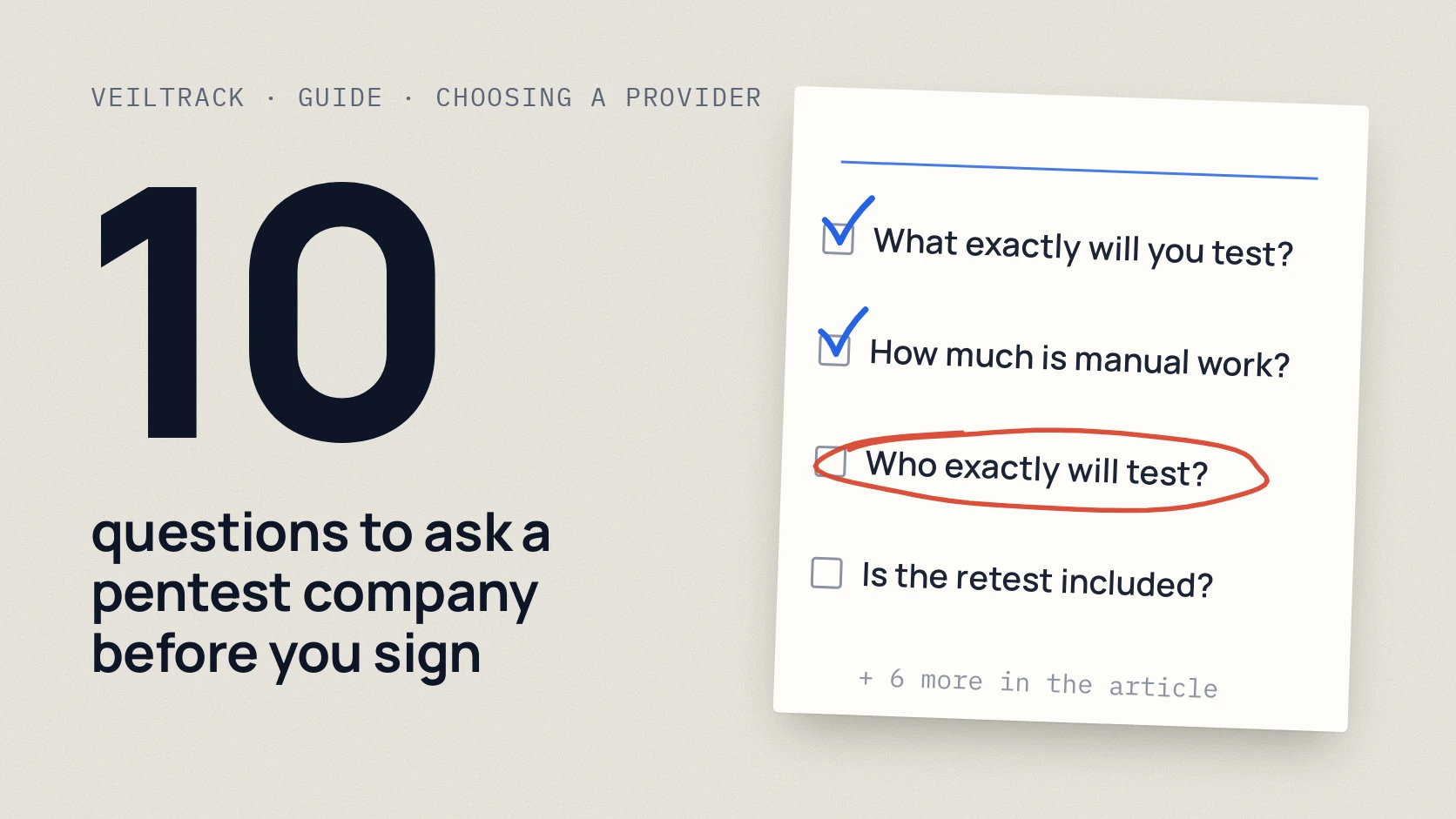
10 questions to ask a provider
You can forward these questions to companies as they are. Good providers answer them calmly and in writing.
Download the preparation checklist (PDF)PDF · A4
How to tell a strong proposal from a weak one
Penetration testing and automated scanning are often sold under the same word. The difference is who does the thinking: a scanner looks for known signs, while a person checks whether someone can actually reach other people’s data, get around access rights or chain several small issues into a serious one. NIST and PCI SSC treat these as different kinds of work. [3] [4]
| What to look at | Good sign | Red flag |
|---|---|---|
| Scope | Systems, roles and exclusions listed in writing | “We’ll test everything” |
| Price | After a conversation about your systems | Straight away, without a single question |
| Method | Manual work plus tools, time broken down | Scanner only, report in a day |
| Safe testing | Rules for the live system, time windows, a contact if something breaks | “Nothing will happen, don’t worry” |
| Report | Reproduced findings, business impact, order of fixes | 200 pages of scanner screenshots |
| Retest | Included in the price, timing is clear | “We’ll sort it out later” |
| Outcome | Honest: we tested this, we found this | “Zero vulnerabilities guaranteed” |
What the contract should include
The contract protects both sides: you from damage, the provider from accusations of unlawful access. The minimum I recommend checking before you sign:
- An NDA before any data or access is shared.
- Written permission for active testing: which systems, from which addresses, on which dates, and who is on call on your side.
- Scope and exclusions. Third-party services (hosting, payment provider, cloud) often need separate permission from their owner.
- Rules for the live system: what is forbidden, at what hours, how to stop the test.
- What the report contains and when you get it, including the retest.
The Diia.Business guide for Ukrainian companies describes the same stages: planning, analysis, simulated attacks, the report and a follow-up check. [1]
How to read a sample report
A good report works for both the owner and the developer. OWASP recommends a short summary for management and technical details for the team. [2] In the sample, look for:
- A short plain-language summary: what was found, what it means for the business, what to fix first.
- Each finding with steps to reproduce it: a developer should be able to repeat it.
- A risk rating with an explanation, not just “Critical” or “High”.
- Specific recommendations: what to change, not “improve your security posture”.
- What was not tested. An honest report states its limits so you do not treat untested systems as safe.
If the sample is hundreds of pages of identical scanner entries with no explanation of what they mean for the business, that is what you will get.
When you do not need a pentest yet
A pentest makes sense when there is something to test in depth: your own website with a customer area, an API, customer data, payments. If the company mostly runs on cloud services such as Microsoft 365 or Google Workspace, it is often more useful to start with a review of accounts and access (Security Assessment). If you first need to see what is visible from the internet, an external review fits. A good provider will tell you themselves if you do not need a pentest right now.
FAQ
How many companies should I compare?
Two or three is enough. Send them all the same 10 questions and the same description of your systems, so the answers can be compared fairly.
Can I trust a provider’s certifications?
Certifications such as OSCP, GPEN or GWAPT show that a person has gone through serious training. What matters more is who exactly will test your project and whether they have experience with systems like yours. Ask about the specific person.
Is it normal that a provider does not name clients?
Yes. Most of this work is done under NDA. Instead, ask for an anonymised sample report or a description of a similar project without names.
Can a pentest break a live website?
There is a risk if there are no rules. That is why, before the start, you agree what is forbidden, the testing hours and whom to call if something goes wrong. Some checks can be done in a test environment.
How often should we do a pentest?
Usually once a year and after big changes: a new product, an integration, a move to the cloud. Between pentests, regular scanning for known vulnerabilities helps.
References
- Diia.Business: What is penetration testing? (in Ukrainian) business.diia.gov.ua
- OWASP Web Security Testing Guide: Reporting Structure wstg.owasp.org
- NIST SP 800-115: Technical Guide to Information Security Testing and Assessment csrc.nist.gov
- PCI SSC: Penetration Testing Guidance v1.1 (2017) pcisecuritystandards.org