Article contents
- In short
- The three formats in plain words
- Comparison: what testers get and what you learn
- Why black box often gives less for the same money
- What to prepare for a grey box test
- When you need white box
- External and internal pentest: a different split
- Decision rule
- Common mistakes
- Checklist: what to give the tester for a grey box test
- FAQ
- References
For most business applications a grey box test finds the most per day of work: testers get user accounts for each role and some documentation. A black box test shows only what an outsider sees, while a white box test adds source code and architecture and suits critical code such as payments, login and access rights.
Below you will find the three formats explained in plain words with the NIST and OWASP definitions, a comparison table, what to prepare for a grey box test and when you need white box.
In short
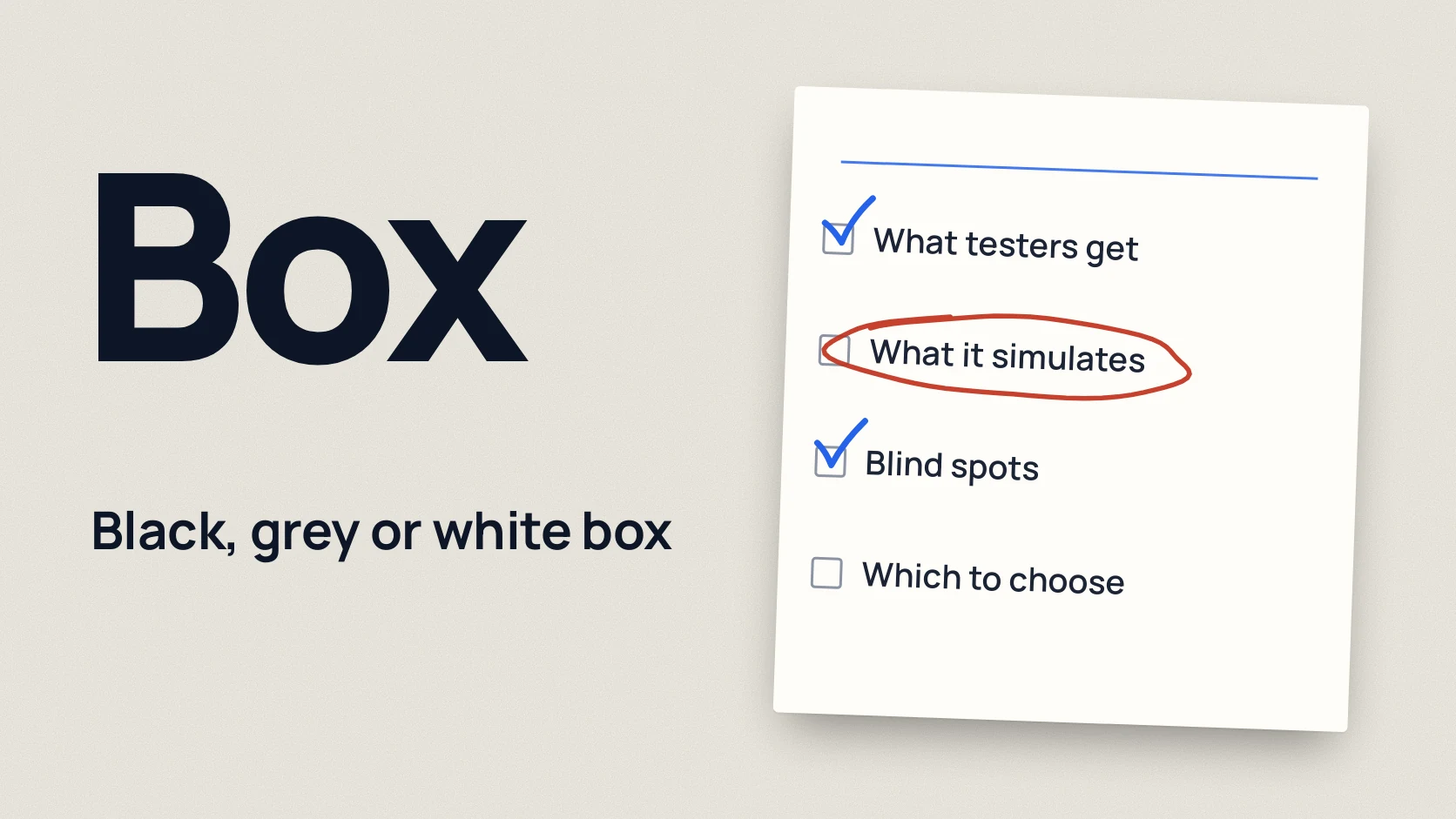
- Black box. The tester knows only the website address or an IP range. They see the same thing an outside attacker sees.
- Grey box, also spelled gray box. The tester gets test accounts for each role and some documentation, such as an API description. This shows what a customer, partner or employee could do.
- White box. The tester gets the source code, an architecture overview and a line to the developers. This is the deepest test.
- Black box spends part of the paid days on discovery and often never reaches the features behind the login.
- For web apps, APIs and mobile apps, start with a grey box pentest. Add white box for code where a mistake costs money.
The three formats in plain words
These names describe how much the tester knows about the system at the start. The NIST glossary defines them exactly by the level of knowledge:
- black box means a test method that assumes no knowledge of the internal structure and implementation of what is being assessed [1];
- gray box means a method that assumes some knowledge of the internal structure [2];
- white box means a method that assumes explicit and substantial knowledge of the internal structure and implementation [3].
The OWASP Web Security Testing Guide notes that penetration testing is commonly called black box testing, and then adds that in many cases the tester is given one or more valid accounts on the system [5]. In other words, most application pentests in practice are already grey box. NIST SP 800-115 describes gray box as a combination of white box techniques (analysing the code) and black box techniques (testing the running application without knowing the code) [4].
"Grey" and "gray" mean the same thing: the first is the British spelling, the second the American one.
Put simply: in black box you give the tester the address of the building. In grey box you also hand over the keys to the ordinary flats. In white box you add the floor plans and the wiring diagram.
Comparison: what testers get and what you learn
| Black box | Grey box | White box | |
|---|---|---|---|
| What testers get | A website address, domain or IP range, nothing else | Test accounts for each role, API description, test data | Everything in grey box plus source code, architecture, configuration, access to developers |
| What it simulates | An outside attacker with no access | A customer, partner, employee or an attacker with a stolen password | An insider or an attacker who got hold of the code |
| Strengths | Shows what is visible from the internet and what can be found without hints | Tests features behind the login, access to other users' data, privilege escalation; little time lost on guessing | Finds logic and code flaws that the interface does not reveal |
| Blind spots | Features behind the login, permissions between roles, internal logic; part of the time goes on discovery | Code flaws that do not show through the interface | Configuration and component interaction problems that appear only on the running system |
| Typical use | The external perimeter, checking what is visible from outside | Web apps, APIs, mobile apps, SaaS | Payment logic, authentication, access control, critical modules |
Why black box often gives less for the same money
A pentest is limited in days. The UK NCSC says it plainly: when testers get no information, some vulnerabilities may remain undiscovered in the time allocated [6]. In black box the tester spends days on what you could tell them in one call: which roles exist, where the API is, what the system is built on.
The second reason matters more. Without accounts the tester sees the login page, sign-up and public pages. The most valuable parts of a business application sit behind the login: the customer account, payments, the admin panel, the API behind the mobile app. Serious problems are often right there: a customer sees someone else's invoices, an ordinary user performs admin actions. Testing this needs at least two accounts with the same role and accounts with different roles.
The "black box is more realistic" argument is weaker than it looks. A real attacker is not limited to five days. If you have open sign-up, they get a user account in a minute. They can steal an employee's password with phishing. Grey box starts from that point.
Black box is the right choice when the question is exactly "what does an outsider see". For example, after infrastructure changes or for testing the external perimeter.
What to prepare for a grey box test
The better the preparation, the more time the tester spends looking for vulnerabilities instead of guessing:
- Test accounts for each role, two per role: customer, manager, administrator, partner. Two accounts with the same role are needed to test access to other users' data.
- Test data. Orders, invoices, documents in every account. An empty account shows nothing.
- API description. An OpenAPI (Swagger) specification, a Postman collection or at least a list of endpoints.
- Environment. A staging environment as close to production as possible, or production with agreed limits. The difference and how to choose is in the article how to prepare for a pentest.
- A contact person for the duration of the test and a way to stop it quickly.
What exactly gets tested in a web app and API is described in how to check website and API security. For mobile apps add iOS and Android builds; details are in mobile app pentest.
When you need white box
NIST SP 800-115 notes that for custom applications white box techniques tend to be more efficient and cost-effective at finding security defects than black box. But they cannot see problems in the interfaces between components or issues introduced during compilation and configuration [4]. OWASP adds one more limit: the code deployed on the server may differ from the code that was reviewed [5]. That is why white box is combined with testing the running system.
White box is needed when a code flaw costs money or access:
- payment logic, calculations, balances, refunds;
- login, password reset, two-factor authentication;
- separation of access between customers, roles and organisations;
- custom cryptography or key handling;
- a partner or regulator asks for a code review.
White box does not mean reviewing all the code. Often it is enough to go deep on the critical modules and test the rest of the system as grey box.
External and internal pentest: a different split
Black, grey and white box describe how much the tester knows. External and internal describe where the tester attacks from.
According to NIST SP 800-115, external testing is done from outside the security perimeter, usually from the internet. Internal testing is done from the internal network, as a trusted insider or an attacker who has already got past the perimeter. For internal tests the tester is often given the access level of an ordinary user. If both are needed, the external test usually goes first, so the tester does not learn internal details an outsider would not have [4].
The two splits combine. For example, the external perimeter is tested as black box and the internal network as grey box with an ordinary employee account. The internal test is covered in detail in internal network and Active Directory pentest.
Decision rule
Choose black box if:
- you want to see the external perimeter through an outsider's eyes;
- you changed your infrastructure and want to know what is now visible from the internet;
- the application was already tested as grey box and the question is only about the external surface.
Choose grey box if:
- you have a web app, API, mobile app or SaaS with several roles;
- this is the product's first pentest;
- a customer or partner asks for a test report on the product.
Choose white box if:
- money flows through the system or it controls access;
- you have custom cryptography or complex permission logic;
- grey box tests were already done, the findings are fixed, and you need to go deeper.
If pentesting is new to you, start with what is a penetration test. Formats and scope are described on the pentest page.
Common mistakes
- Choosing black box because "it is more realistic". The paid days go on discovery, and the features behind the login stay untested.
- Providing one account. With one account you cannot check whether a customer sees other customers' data or whether a manager can perform admin actions.
- Testing on an empty staging environment. With no data there is nothing to "steal", and some findings never show up.
- Handing over code without access to the running system. Configuration and component interaction problems only appear on a live environment.
- Hiding known problems. The NCSC advises sharing a current vulnerability assessment with the testers if you have one [6]. Then the tester does not waste time on what is already known.
- Confusing "grey box" with "internal pentest". The first is about what the tester knows, the second about where they attack from.
Checklist: what to give the tester for a grey box test
Download the preparation checklist (PDF)PDF · A4
FAQ
Which type of pentest is best?
For most web apps, APIs and mobile apps grey box works best: the tester gets accounts and documentation and spends the time looking for vulnerabilities. Black box is chosen for the external perimeter, white box for critical code.
Is black box more realistic than grey box?
It is closer to an outside attacker, but a real attacker is not limited to a few days and often gets an account through sign-up or phishing. Grey box starts from that point and covers more in the same time.
Is it safe to give a pentester our source code?
Yes, if access is limited by the scope and an NDA, and the code is deleted after the project. Often it is enough to share only the critical modules, not the whole repository.
How many test accounts does a grey box test need?
Usually two per role. Two accounts with the same role show whether a user can see someone else’s data, and accounts with different roles show whether privileges can be escalated.
Can one project combine several formats?
Yes, and it is a common setup. For example, the application is tested as grey box, the payment module as white box and the external perimeter as black box.
References
- NIST CSRC Glossary: Black Box Testing csrc.nist.gov
- NIST CSRC Glossary: Gray Box Testing csrc.nist.gov
- NIST CSRC Glossary: White Box Testing csrc.nist.gov
- NIST SP 800-115: Technical Guide to Information Security Testing and Assessment csrc.nist.gov
- OWASP Web Security Testing Guide v4.2: Introduction wstg.owasp.org
- NCSC: Penetration testing ncsc.gov.uk