Article contents
Five things protect a small business from ransomware: backups the attacker cannot reach and that you have actually restored from, MFA on remote access and email, patched internet-facing systems, as few admin rights as possible, and a written plan for the first hours. Antivirus is still needed, but only a backup the attacker never touched gives you your encrypted data back.
Below you will find how ransomware usually gets in, a table of measures with a way to check each one, how to set up backups, what to do in the first hour of an attack and what official sources say about paying.
In short
- Typical ways in: phishing, stolen or guessed passwords for VPN and remote desktop (RDP), unpatched devices on the network edge. [1] [2]
- The main protection against data loss: a copy that cannot be deleted or encrypted from the working network, and a restore from it that you have tested.
- MFA on email, VPN and accounts with access to critical systems stops anyone logging in with a stolen password alone. [1]
- The fewer people with admin rights, the less damage one compromised account can do. [1]
- Keep the response plan on paper: during an attack, email and files may be unavailable. [1]
- Paying does not guarantee you get your data back. Both the UK NCSC and US agencies say so. [1] [4]
How ransomware gets into a company
Ransomware encrypts files and servers and demands money for the key. Attackers often also copy the data first and threaten to publish it. [1]
Encryption is usually not the first step. As the NCSC describes it, the attacker first gains access to the network, establishes control and only then plants the encryption software. [4] CISA adds that attackers often use privileged accounts to encrypt the whole network and look for accessible backups. [1]
The #StopRansomware Guide from CISA, the FBI and the NSA groups its advice by common initial access vectors. [1] For a small company the main ones are:
- Phishing. An email with an attachment or a link that puts malware on a computer or hands the attacker a password.
- Stolen or guessed passwords. Attackers often get in through exposed, poorly secured remote desktop services (RDP), through VPNs or with compromised credentials. [1]
- Vulnerabilities on the network edge. Unpatched remote access devices and internet-facing servers. The NCSC advises patching known vulnerabilities in these devices immediately. [2]
- Contractors. An IT provider with access to your systems can be a way in too: CISA names managed service providers as an infection vector for ransomware. [1]
Which of these doors are open in your company is what a perimeter pentest shows. How your staff react to phishing is what a phishing simulation tests.
Measures that stop ransomware and how to check they work
| Measure | What it stops | How to check it is done | Effort |
|---|---|---|---|
| A copy out of the attacker’s reach (offline or immutable) | Data loss after encryption, the "pay, you have no backups" pressure | A domain admin cannot delete this copy from the working network | Medium |
| Timed restore test | The "we have a backup but it will not restore" surprise | There is a date of the last test and how many hours the restore took | Medium, quarterly |
| MFA on email, VPN, RDP and cloud admin panels | Logins with a stolen or guessed password | A report from email or VPN: no user without MFA | Low |
| RDP closed to the internet | Password guessing on remote desktop | An external scan does not see port 3389 or other remote access services | Low |
| Patching VPNs, firewalls, mail and web servers | Entry through a known vulnerability | A list of edge devices with firmware version and update date | Medium, ongoing |
| Minimal admin rights | Encrypting the whole network from one compromised account | How many people are in the admin group and whether they use separate admin accounts | Medium |
| Email filtering and staff training | Running a malicious attachment, typing a password into a fake page | Phishing simulation results: who opened, who reported | Low |
| A written response plan on paper | Chaos and wiped evidence in the first hours | A printed plan with phone numbers, the date of the last exercise | Low |
A security assessment or a pentest checks your external perimeter and access rights: it shows how an attacker would get from the first foothold to your servers and backups.
Backups you can actually restore from
Many ransomware variants first look for accessible backups and delete or encrypt them so that recovery without paying is impossible. [1] So at least one copy has to sit where the attacker cannot reach it.
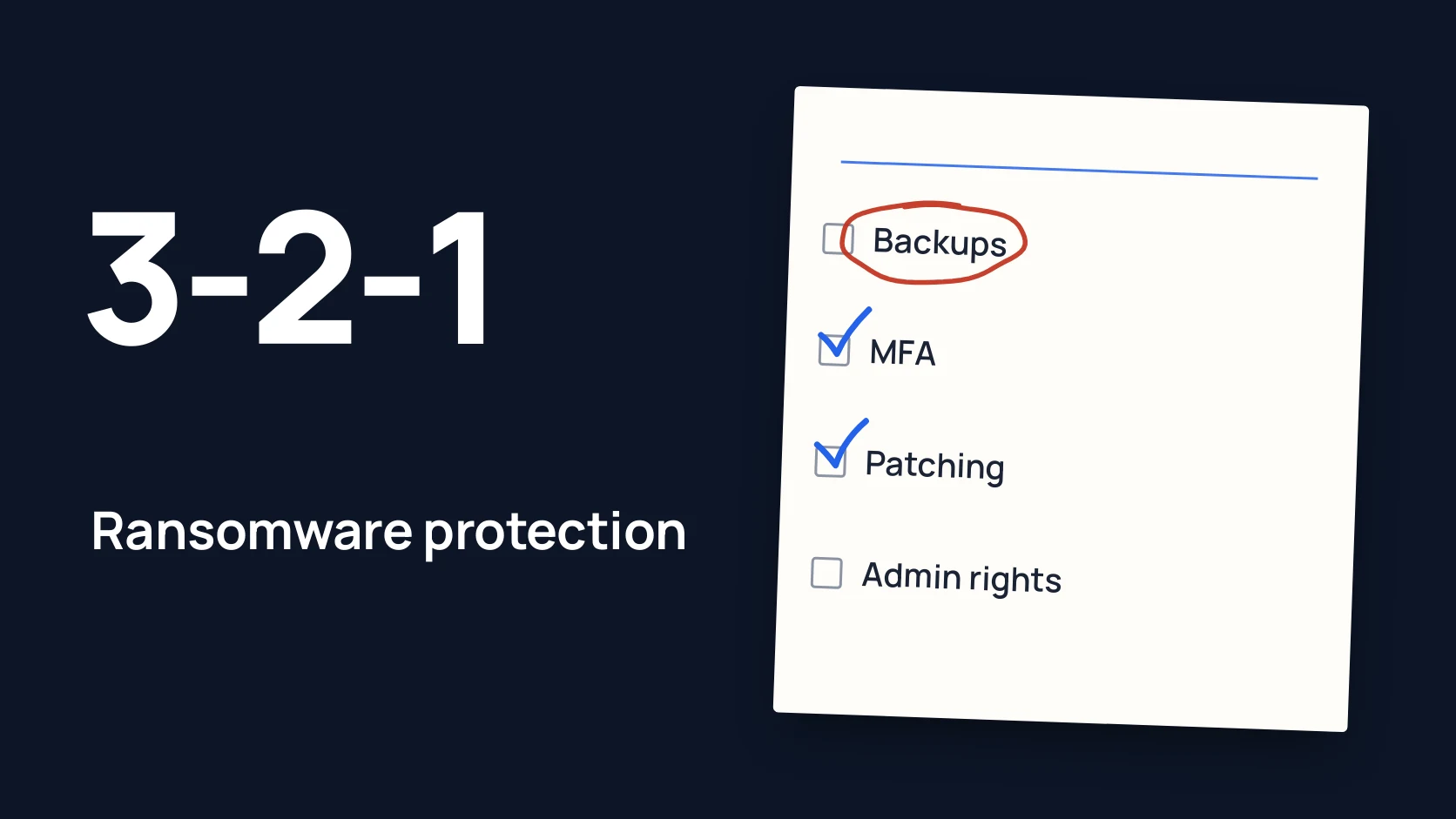
The 3-2-1 rule. The NCSC describes it as the most common way to build resilient backups: at least three copies, on two devices, one of them offsite. [3] But the rule on its own does not require any copy to be offline, so the NCSC recommends adding an offline copy. [3]
An offline or immutable copy. Offline means a disconnected drive or storage that cannot be reached from the working network. You cannot unplug cloud storage, so it has to be separated in other ways: separate credentials, a separate account, restricted access. [3] CISA warns that automatic cloud sync may not help: encrypted local files get synced and can overwrite the good ones. [1] Some cloud providers offer immutable storage that prevents a copy from being changed or deleted for a set period. [1]
A timed restore test. CISA and the NCSC both advise testing regularly that backups are intact and can be restored. [1] [2] In practice:
- Pick one critical system: accounting, CRM or the file server.
- Restore it from the offline copy onto a separate computer or virtual machine.
- Time it from the start until people can work again.
- Write down the date, the time and what got in the way. Repeat next quarter.
If a restore takes three days and the business can survive one, that is a question for the owner, not the admin.
What else to keep offline. CISA recommends keeping "golden images" of critical systems, ready templates with a configured operating system and applications, so you can rebuild quickly. [1] For a small company this can be at least a written setup guide and installers for key software stored with the backup.
The first hour after an attack
What you do in the first hours decides how much data and evidence survive. The CISA guide asks you to take the first three steps in this order. [1]
- Isolate. Disconnect affected computers from the network: cable or Wi-Fi. If many systems are hit, take the network offline at the switch. [1]
- Do not wipe or reinstall. Power a device down only if you cannot disconnect it, because that destroys traces in memory. [1]
- Call, do not write. The attacker may be reading your email and chats. CISA advises coordinating isolation by phone or another out-of-band channel. [1]
- Keep evidence. Logs, the ransom note, suspicious files, snapshots of cloud volumes. [1]
- Report. Police and your national CERT, your IT provider, a lawyer, your insurer if you have a policy. Contacts and what to tell clients are covered in company account hacked: what to do in the first 30 minutes.
- Restore onto clean systems. Bring data back from offline copies only once the attacker’s way in is found and closed, or you will be reinfected. [1]
Print the plan. CISA explicitly advises keeping a hard copy and an offline version of the incident response plan. [1]
Paying the ransom: what official sources say
The NCSC states that law enforcement does not encourage, endorse or condone paying ransoms, and that paying gives no guarantee you will get your data back. [4] [2]
CISA, the FBI and the NSA do not recommend paying: it does not guarantee decryption, does not guarantee the attacker leaves your systems and does not guarantee your data will not be leaked. [1] They also warn that payments may carry sanctions risks and advise talking to law enforcement. [1]
The decision is the owner’s, made with a lawyer. The best thing you can do in advance is make sure the question never comes up: have a copy you have already restored from.
Common mistakes
- The backup sits on the same server or on a network share the domain can reach. Ransomware deletes it first.
- Nobody has ever tried a restore. The copy turns out incomplete, or recovery takes a week.
- RDP opened to the internet "temporarily". Temporary lasts for years.
- MFA for everyone except the director and the admin. Their accounts are exactly what attackers want most.
- Reinstalling everything straight away. The evidence goes with the system and you never learn how the attacker got in.
- The plan lives only in email or on the file server. During an attack it is encrypted along with everything else.
Ransomware protection checklist
Download the preparation checklist (PDF)PDF · A4
FAQ
Will antivirus protect us from ransomware?
Partly. Antivirus is needed, but it will not bring encrypted files back. CISA’s guidance starts with offline backups, followed by MFA, patching and limiting admin rights.
Is cloud sync enough instead of backups?
No. If files on a computer are encrypted, sync can push the encrypted versions to the cloud and overwrite the good ones. You need a separate copy, cut off from everyday accounts.
How often should we test restoring from backup?
Official sources say to do it regularly. In practice, quarterly and after every major change to your systems works for a small company.
Does paying the ransom guarantee we get our data back?
No. The NCSC, CISA and the FBI all say that paying guarantees neither decryption nor that your data will not be published.
What should we check first if we’re short on time?
Three things: whether there is a copy that cannot be deleted from the network, whether MFA is on for email and VPN, and whether RDP is open to the internet. For a longer list, see the security checklist for a 30-person company and how to protect company email from phishing.